

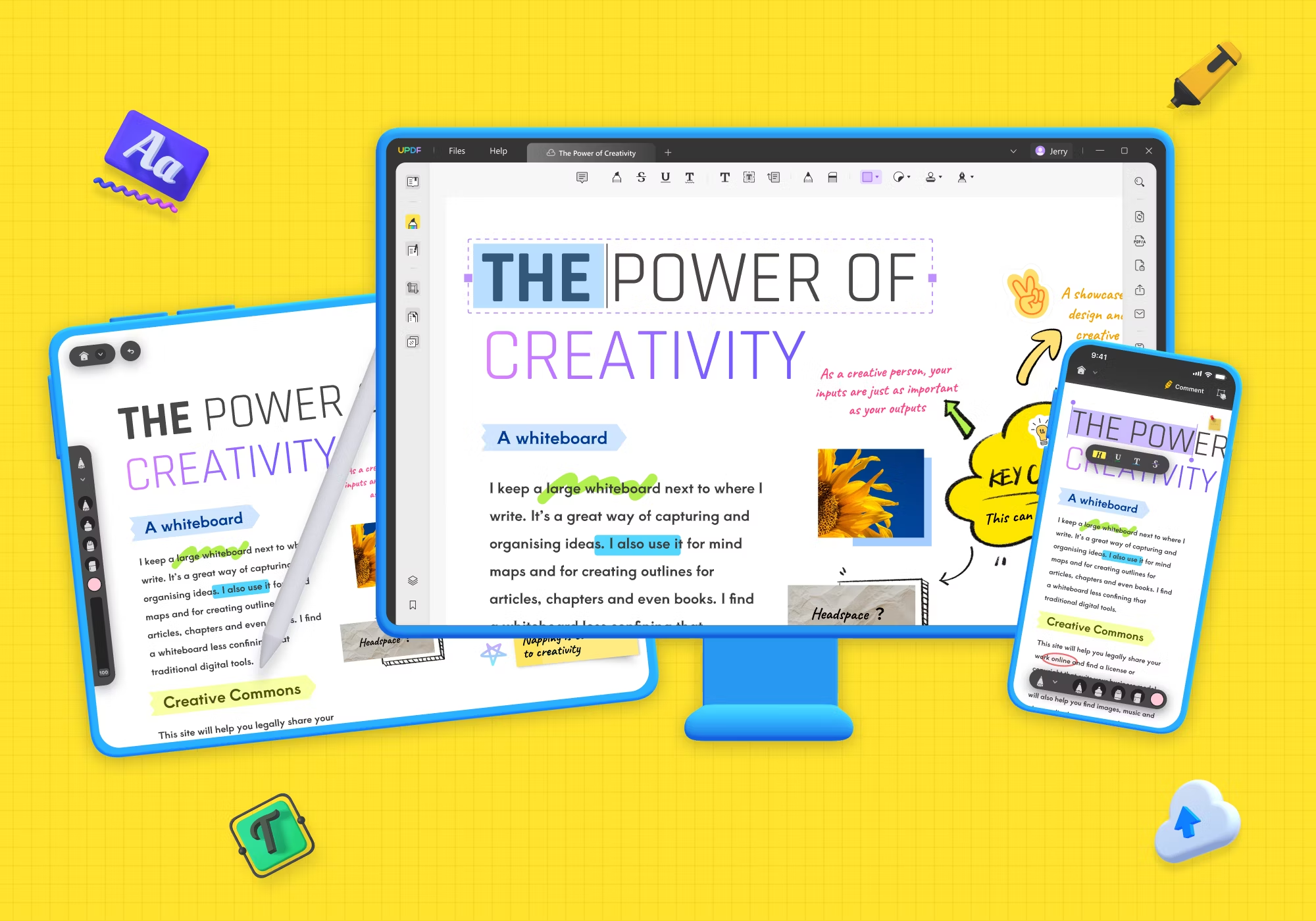
PDF files are a universal standard for documents, but organizing them can be a daunting task without the right tools. Enter UPDF for Android, the ultimate solution for all your PDF management needs. This comprehensive guide will walk you through the features, benefits, and reasons why UPDF stands out as the best PDF organizer available for Android devices.
UPDF for Android
UPDF is a versatile platform designed to simplify PDF management across various devices and operating systems. Specifically tailored for Android users, UPDF offers a user-friendly interface and powerful features that cater to both basic and advanced PDF needs. Whether you’re looking to merge PDFs, annotate documents, fill out forms, or simply organize your PDF library, UPDF provides intuitive tools to streamline these tasks on the go.
Key Features of UPDF for Android
PDF Viewing and Navigation: UPDF allows seamless viewing and navigation through PDF documents directly on your Android device. Scroll through pages, zoom in for detailed viewing, and access a table of contents for quick navigation within lengthy documents.
PDF Editing: Edit text, images, and links within PDF files effortlessly. UPDF for Android supports basic editing functions, empowering users to make quick corrections or updates without needing a desktop computer.
Annotations and Markups: Annotate PDFs with highlights, comments, stamps, and drawings using UPDF’s comprehensive annotation tools. These features are invaluable for students, professionals, and anyone who needs to collaborate or study using PDF documents.
PDF Form Filling: Fill out interactive PDF forms directly on your Android device. UPDF supports form filling, allowing users to input text, checkboxes, and signatures conveniently.
PDF Organization: Organize PDF files into folders and subfolders for easy access and management. Sort documents by name, date, or size, and use search functionality to locate specific files quickly.
PDF Conversion: Convert PDFs to popular formats like Word, Excel, PowerPoint, and images (JPEG, PNG) directly from your Android device. This feature is particularly useful for repurposing content or sharing information across different platforms.
Security and Privacy: Protect sensitive PDF documents with encryption and password protection. UPDF ensures that your files remain secure, even when accessed from mobile devices.
Cloud Integration: Seamlessly integrate with cloud storage services such as Google Drive, Dropbox, and OneDrive. Access and save PDFs directly to your preferred cloud storage for backup and easy sharing.
Benefits of Using UPDF for Android
Mobility: Access and manage PDF documents from anywhere using your Android smartphone or tablet. UPDF’s mobile-friendly interface ensures productivity on the go.
Versatility: From basic viewing to advanced editing and annotation, UPDF offers a wide range of features that cater to diverse PDF management needs.
Ease of Use: Intuitive navigation and a user-friendly interface make UPDF accessible to users of all technical levels, whether you’re a novice or an experienced PDF user.
Cost-Effectiveness: Enjoy robust PDF management capabilities on your Android device without the need for expensive software licenses or subscriptions.
How to Download and Install UPDF for Android
Downloading and installing UPDF for Android is a straightforward process that allows you to efficiently manage PDF documents on your mobile device. Here’s a step-by-step guide:
- Access Google Play Store: Begin by opening the Google Play Store app on your Android device.
- Search for UPDF: Use the search bar at the top of the Play Store interface to type “UPDF” and hit enter.
- Select UPDF App: From the search results, locate the UPDF app developed by UPlayer and tap on it to open the app’s page.
- Install the App: On the UPDF app page, tap the “Install” button. The Play Store may prompt you to accept the permissions required for the app to function properly.
- Wait for Download and Installation: The app will begin downloading, and once the download is complete, it will automatically install on your device.
- Open UPDF: After installation is finished, you can open UPDF directly from the Play Store by tapping the “Open” button on the app’s page, or you can find the UPDF.
- Set Up UPDF: Follow any initial setup instructions that may appear on the screen, such as granting permissions for accessing files on your device or setting default preferences.
Once UPDF is installed and set up, you can start using its features to view, edit, annotate, and organize your PDF documents directly from your Android device, enhancing your productivity on the go.
Using UPDF for Android A Step-by-Step Guide
Using UPDF for Android is a user-friendly experience thanks to its intuitive interface and robust functionality. To begin, simply download UPDF from the Google Play Store and launch the app on your Android device. Importing PDF files is effortless with the addition button, allowing you to access documents from local storage or cloud services like Google Drive and Dropbox. Once imported, UPDF offers a suite of editing tools enabling tasks such as page rotation, reordering, and deletion, along with annotations, highlights, and comments. You can merge multiple PDFs into a single file or split large documents into smaller, manageable parts with ease. The app also supports OCR (Optical Character Recognition), facilitating the conversion of scanned documents into editable text for enhanced usability. Security features allow you to protect PDFs with passwords or permissions, ensuring confidentiality. Finally, save your edited documents directly from UPDF and share them effortlessly. Whether for personal use or professional tasks, UPDF for Android streamlines PDF management and editing on your mobile device.
The Best PDF Organizer Online 2024
In 2024, the best PDF organizer online offers a seamless experience for managing your documents efficiently. It should include features like easy file upload from various sources such as local storage, cloud services, and direct scanning. A robust organizational structure with folder management and tagging capabilities ensures quick access and categorization of documents. Advanced search functionalities help locate specific files based on keywords or metadata. Collaboration tools enable sharing and real-time editing among team members, with version control to track changes effectively. Security features like encryption and access controls ensure data protection. Overall, the best PDF organizer online combines a user-friendly interface with powerful features to meet diverse needs from personal document management to collaborative work environments in 2024.
3 Best PDF Organizer for Windows in 2024
UPDF
UPDF stands out as a top-tier PDF organizer for Windows in 2024, offering a user-friendly interface and a plethora of features. With advanced AI-assisted tools, UPDF makes organizing, annotating, and editing PDFs seamless. Its powerful search capabilities and intuitive navigation ensure that users can manage large collections of PDFs efficiently. UPDF’s integration with cloud storage services enhances accessibility and collaboration, making it a preferred choice for professionals and students alike.
Adobe Acrobat Pro DC
Adobe Acrobat Pro DC continues to be a leading PDF organizer in 2024, renowned for its comprehensive suite of features. It provides robust tools for editing, converting, and organizing PDFs, along with strong security options. The software’s OCR functionality enables users to convert scanned documents into editable text, while its integration with Adobe Document Cloud allows for easy access and sharing across devices. Its professional-grade features make it ideal for businesses and individuals seeking advanced PDF management solutions.
Foxit PDF Editor
Foxit PDF Editor is another excellent choice for Windows users in 2024, known for its lightweight design and powerful features. It offers a range of tools for editing, organizing, and securing PDFs. The software supports batch processing, making it easy to manage multiple PDFs simultaneously. Foxit’s collaboration features, including shared reviews and cloud storage integration, make it a practical option for teams and businesses. Its affordability and robust functionality make it a competitive alternative to other leading PDF organizers.
These three PDF organizers offer diverse features and capabilities, catering to different user needs and preferences in 2024.
Best pdf organizer free download
Looking for the best free PDF organizer? Look no further! UPDF is your ultimate solution, offering a robust, user-friendly interface for all your PDF management needs. With UPDF, you can merge, split, annotate, and organize PDFs effortlessly. Its intuitive design ensures seamless navigation, making it ideal for both beginners and professionals. Available for free download, UPDF supports various platforms, ensuring compatibility with your device. Whether you’re managing work documents or personal files, UPDF stands out as the premier choice for efficient PDF organization. Download UPDF today and experience hassle-free PDF management!
